You’re currently viewing our low-cost survey solution section.

Online assessment maker
that grades itself and tells you where the batch got stuck

Grading by hand takes time, and results land days later. Sogolytics helps trainers, HR and L&D teams build scored quizzes, share them anywhere, and see who passed the same day.

Capterra Review Badge – Sogolytics Rated 4.7 Stars 4.7 Star on Capterra
G2 Review Badge – Sogolytics Rated 4.6 Stars 4.6 Star on G2
Trust Pilot Review Badge – Sogolytics Rated 4.8 Stars 4.8 Star on Trust Pilot
Trust Radius Review Badge – Sogolytics Rated 4.5 Stars 4.5 Star on Trust Radius
  • Accenture
  • United
  • DHL
  • Embassy Suites by Hilton
  • Coca-Cola
  • PFCU
  • Jackson Hewitt Tax Service
  • U.S. Bank

How the online assessment maker actually works

Three steps, and the whole thing runs on any plan, the free one included.

stylus_fountain_pen
First

Build the assessment

Pick from thirty-plus question types — multiple choice, matrix, ranking, image choice, drag and drop, file upload, signature. Set the score for each answer, put a pass mark on the whole thing, and embed a photo or a video where it helps.

share
Second

Share it

Email a link, send a text, embed it in a page, or print a QR code. Set a timer per question or per assessment. Block people from re-entering or answering twice. Auto-translate the whole thing into thirty-plus languages if you need to.

vital_signs
Third

See how the batch is doing

Every answer marks itself as it comes in. See the pass rate, average score, and where most people got stuck. Share a live view of the results with a colleague, no login required to open it.

Question types available

Multiple choice

Matrix

Ranking

Image choice

Drag and drop

File upload

Where you sent it

Email invite

124

Shareable link

80

QR code

32

Embedded on a page

48

How the batch is doing

Overall score

82%

Pass mark

70%

Passed

164

Failed

36

What the online assessment tool gets you

Everything you need on every plan. Plans differ by the number of responses, not the features.

Thirty-plus question types

Multiple choice, matrix, ranking, image choice, drag and drop, file upload, signature, timed. All available on every plan.

Types30+
PlansAll
TimedYes

Auto-grading with a pass mark

Score each answer, set the pass mark, and the whole thing marks itself as answers come in. Show the score at the end or hide it. Redirect to a page based on how well the person did.

ScoringPer answer
Pass markConfigurable

Branching logic

Route people to different questions based on how they have answered so far. Assessments stay short and precise, and adaptive if you need them to be.

RoutingAdaptive
Skip logicBuilt in

Multimedia in a question

Embed an image, a video or an audio clip. Useful for scenario-based training and safety walkthroughs.

Images
Video
Audio

Timers and honesty controls

Timers per question or per assessment. IP and cookie blocks stop the same person answering twice. Question order can shuffle to reduce copying between neighbours.

TimerPer Q / total
Anti-cheatShuffle + block

Live results

Results build up as answers arrive. Share a live view of the batch with a colleague, no login required on their end.

UpdatesReal-time
SharingLink
LoginNot needed

The online assessment creator, in short walkthroughs

A few short walkthroughs, recorded in the product.
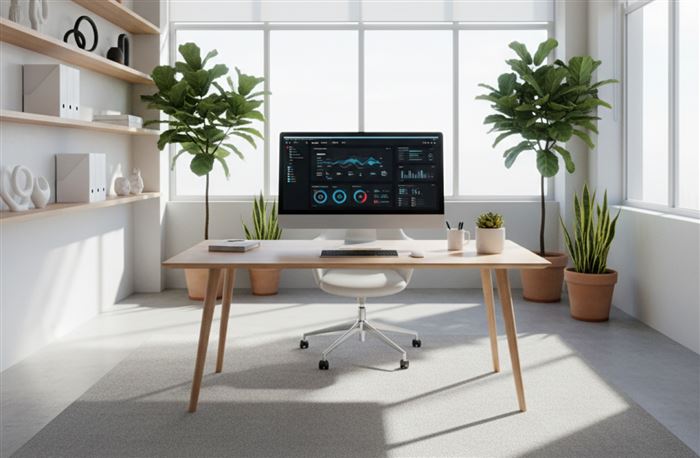
Create Online Quizzes and Assessments walkthrough Take a Tour

Create Online Quizzes and Assessments

Automatic scoring, timers, and full customization get the perfect grade on your next online quiz, assessment, evaluation, audit... the options just add up!
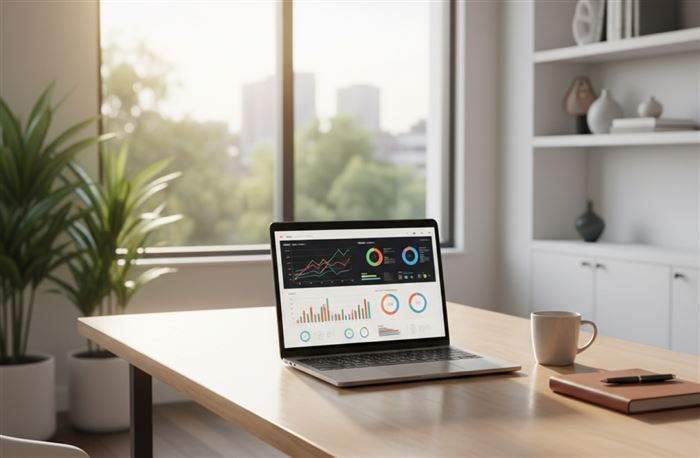
Assign Scores in Assessments walkthrough Design Focus

Assign Scores in Assessments

Start smart and finish faster with automatic scoring from our assessment tool. Assign scores to simplify your workflows and speed up results. Review your options, then dive in with your first quiz!
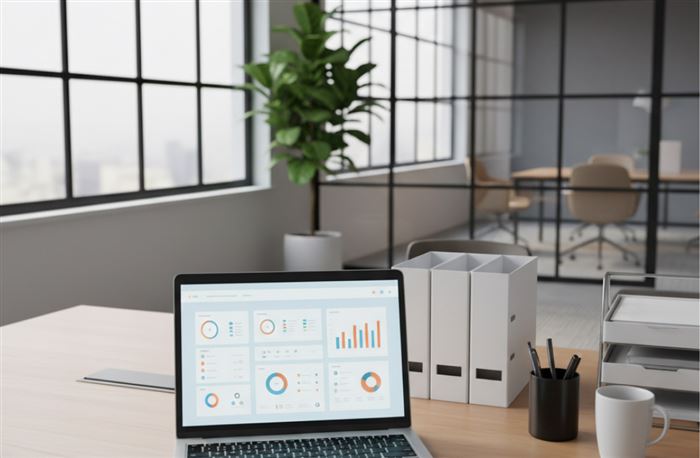
Assessment Summary Report walkthrough Data & Reports

Assessment Summary Report

Your digital gradebook is just a few clicks away! The Assessment Summary Report delivers results, row by row, and includes categories, totals, and more. Save time and grade faster!
Customize Quiz Results Page walkthrough Design Focus

Customize Quiz Results Page

Every test-taker wants to know: Did I pass?? Set custom evaluation criteria to let participants know right away! A helpful Results Page takes the stress out of testing for both you and your participants.

L&D and training teams already running online assessments

Real customers, and what changed for them.

100,000+

Customers using Sogolytics across the world

Forms run every day for event registration, contact, applications, requests and internal workflows, on any device.

Why trainers pick our online quiz maker

Five things that tend to matter once procurement gets involved.

visibility_off

Everything on every plan

No gating a feature behind a higher tier. Plans differ by the number of responses and emails, not the features.

stacks

Thirty-plus question types

Well beyond multiple choice.

how_to_reg

Auto-graded, with the results live

Marks itself as answers come in. Share a live view without asking anyone to signup.

bolt

Free plan available

Sign up, no card required. Enough for a first project.

trending_up

24/7 support

Email, phone or chat. A real answer, not a bot.

Online assessment templates, ready to reshape

Three ready-made starting points you can pull into your account and reshape.

A student filling in a course evaluation on a laptop

Course Evaluation Survey Template


Use student feedback to assess whether courses are achieving your goals and meeting student needs.

See this templatearrow_forward

A trainer running a workshop with a small group

Training Needs Assessment Survey Template


If your staff needs to know, you need to know! Provide the necessary support to be sure everyone is well trained.

See this templatearrow_forward

A manager and an employee in a performance review

Employee Performance Evaluation Survey Template


Regular performance appraisals make employers' expectations clear and keep employees on target.

See this templatearrow_forward

Security and compliance

Independently audited controls at every layer, and your data stays in whichever region you choose.

SOC 2 Type II ISO 27001 GDPR · CCPA HIPAA-enabled accounts PCI DSS Data residency · US · EU · IN · CA · AU

FAQs about the online assessment maker

What is an online assessment maker?

It's a tool for building scored quizzes, tests and knowledge checks. Sogolytics goes past basic multiple choice with thirty-plus question types, auto-grading, branching, and a full results view.

Can I set a pass score?

Yes. Score each answer, set the pass mark, and the whole thing marks itself as answers come in. Show the score at the end or redirect to a page based on how the person did.

Does it work on a phone?

Yes. Every assessment adapts to the screen it's opened on. And there's a mobile app for building and marking on the go.

Is there a free plan?

Yes. Sign up, no card required. Plans differ by the number of responses and emails, not the features.

Can I embed a video in a question?

Yes. Images, video and audio in any question. Useful for scenario-based training and safety walkthroughs.

What are the benefits of using an online assessment maker?

Scoring happens automatically, results are ready the moment someone submits, and the same assessment can be reused as often as you like. Question banks and randomization mean no two people get an identical paper.

Can AI be used to create an online assessment in Sogolytics?

You can paste questions in from any external AI tool. The Create with AI feature can also generate the full assessment inside Sogolytics from a short prompt, with scoring and logic already set up.

Can I use an AI survey creator for school assessments?

Yes. Describe the subject, grade level and length, and Create with AI drafts the questions and answer options. Curriculum wording is worth a read-through afterwards, which most teachers do anyway.

Is an online assessment maker beginner-friendly?

Yes. Drag questions in, set the correct answers and scoring, then send the link. No code and no training needed. Templates and AI drafting handle the blank-page problem if you would rather not start cold.

Is an AI assessment creator faster than traditional assessment makers?

Considerably, for the first draft. A prompt produces a full set of questions, answer options and scoring in seconds, where the same work by hand takes an hour or more. Reviewing and editing stays with you.

What is the difference between an assessment maker and an online survey maker?

A survey collects opinions, where no answer is wrong. An assessment tests knowledge or skill, so questions carry correct answers, scores and pass marks. The builder is the same. The scoring layer is what differs.

Is the online assessment maker free to use?

There is a free plan covering the core assessment features, with no card needed to sign up. Plans differ by response and email volume rather than by features, so scoring and logic are not paywalled.

How often should you send out online assessments?

It depends what you are measuring. Course and training checks run at the end of each module, certification or compliance tests usually annually, and skills baselines once or twice a year against the same questions.

When should I use an online assessment builder?

Any time you need a score rather than an opinion, such as course tests, training checks, certification exams, pre-hire screening or compliance sign-off. If you only want to know what people think, a survey fits better.

Build your first online assessment in the next few minutes

Sign up free, pick a question type, add a pass mark. You'll see the first response come in the same day.

Prefer to see
for yourself?
Before you go, here's a quick tip:
A free Sogolytics trial costs you nothing. Really. Check us out!
Sign Up Free
No credit card required!

Client

Company Size

Industries

Customer Since

Read more

Typical Rave Review

Description