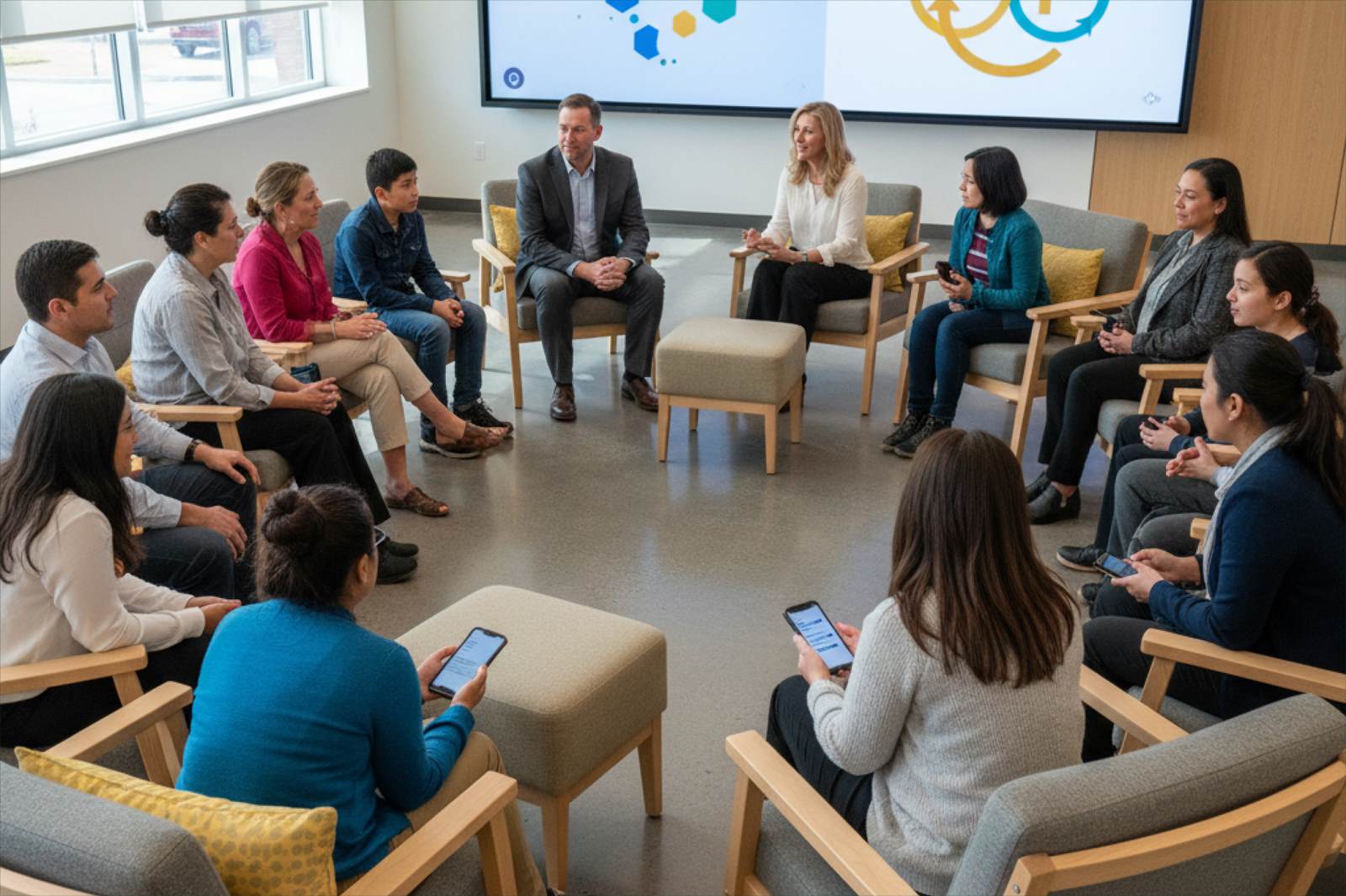
District leaders and families seated in a circle, sharing feedback on their phones

Communicate with your district’s community and close the loop to improve district satisfaction

Reach every household in their preferred language and channel, then show the community what changed.

Request a Demo

Trusted by leading school districts nationwide

  • Frisco Independent School District
  • Lamar Consolidated Independent School District
  • Fallsburg Central School District — Home of the Comets
  • Foxborough Public Schools
  • Santa Monica-Malibu Unified School District
  • North Kansas City Schools
  • Spring Independent School District

Featured Capabilities

Actionable capabilities that carry community communication programs at scale.

Whole-Community Reach

Invite every group with a stake in the district, in the channel each one already uses, with Custom Directories keeping families, staff, students, and community organized for the right outreach. Families hear from you by email and SMS, staff within your district’s routine communication channels, and every household reads the invitation in their own language.

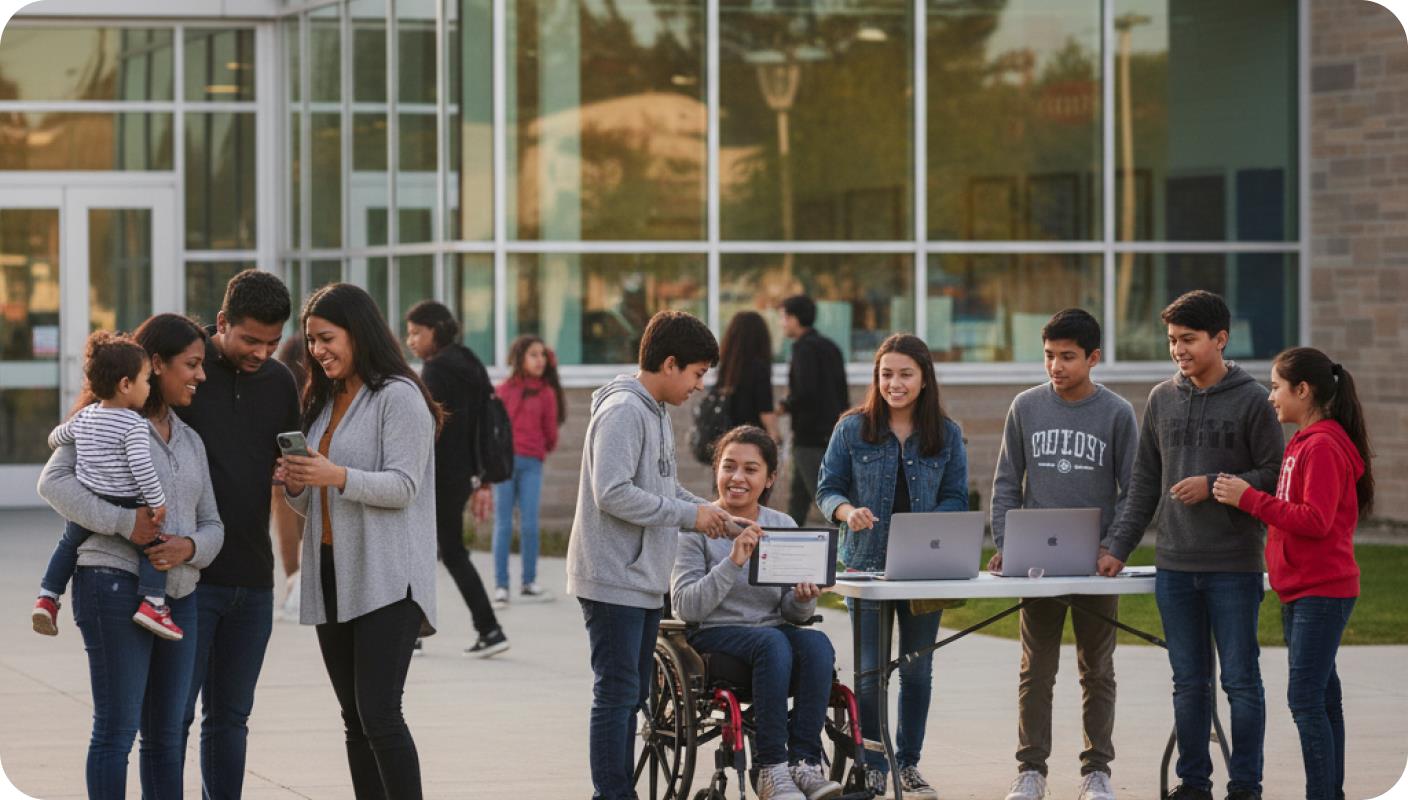
Families, students and staff gathered outside a school, reviewing a survey on laptops and phones

One Dashboard View for Every Leader

Build a single dashboard, then use dashboard-level segmentation to give the superintendent, each principal, and the board their own slice of it. Everyone works from the same source, and each leader sees the cut that fits their role.

District leaders with tablets reviewing a shared dashboard on a wall screen

AI Text and Sentiment Analysis

Reading individual comments on community surveys can require more time and capacity than most teams have available. The platform sorts the responses into themes and tags the programs, places, and people raised most, so priorities rest on the full set of feedback rather than the first few comments.

Two colleagues reviewing sentiment charts on a desktop monitor

Close the Loop with the Community

After families weigh in, publish what you heard and what will change because of it. Reporting back this way gives families a reason to trust the next message, boosting trust in the district and future survey participation rates.

A district leader sharing a feedback report with families around a table

How it Works: From Listening to Response

Three steps that take a district from hearing its community to showing it what changed.

Reach every household

A district opens a communication cycle by inviting families, staff, students, and community through email, SMS, web intercepts, and its routing communication channels, with Custom Directories keeping each group organized. While you always have the option to use one of our expert-created survey templates or create your own surveys, you’re also able to use AI to draft a survey from a memo or brief, saving you time. Scheduled cycles keep input current between updates.

Understand what the community is telling you

Heat maps show where sentiment and priorities split by campus and group, while AI text analysis lifts the themes out of open comments and ranks them. Derived Fields tag each response by campus, program, or student group, so a response can speak to the households the data points to.

Respond and report back

Leaders act on what the community said, then publish what they heard and what will change as a result. Foxborough Public Schools is a K-12 district that used climate data this way, seeing their families’ perceptions of school safety improve by 14 points within one year as a result.

One Connected View of Your Whole Community

Communication builds trust when families can see it reflects everyone, not only the households that attend the board meeting. Sogolytics is built to show leaders a read on the full community.

  • Representative reach

    Results break out by school and group, so leaders can be sure a decision reflects the whole community, including families who rarely show up in person.

  • Every household included

    Home-language invitations and accessible question formats widen who takes part, so the read is not limited to English-speaking or highly engaged families.

  • Role-based sharing

    The board sees the aggregate read-out it needs, cabinet sees the operational detail, and each principal sees their own school, each in the view meant for their role.

  • Secure and auditable

    Role-based access, authenticator-app MFA, and a full access log to protect and trace family and student data. Data privacy agreements and secure [something here from the product development folks about data security] ensure data storing and sharing practices align with federal requirements.

Community Readout

Representative response counts by group, inclusive household participation, and role-based sharing.

Schools12
Groups8
Households850

Representative reach

Responses are representative across schools and groups, with inclusive household participation.

Access Log

UserRoleTimestamp
Sarah JohnsonBoard Member10:42 AM
Michael ChenSuperintendent09:15 AM
System (Export)AdminYesterday

Capabilities that Create a Complete Communication Program

Six capabilities that help your district reach the community, understand what they say, and act on it.

Community and family surveys

Field engagement studies across families, staff, students, and community, from a full annual survey to a short pulse, with multilingual and accessible formats that widen who takes part.

Omnichannel distribution

Reach each audience through the channels they already use, including email, SMS, communication apps, staff channels, and web links. Track the Directory or Contact List behind each invitation.

Custom dashboards with segmentation

Build one dashboard and give each leader a tailored slice, with trends that update in real time, so progress reports come together without rebuilding a deck each cycle.

AI text and sentiment analysis

Group open community input into ranked themes and see the topics named most, through NLP text analysis and the Metadata view, so the priorities a district sets reflect the whole body of feedback.

Comparison and segmentation

Derived Fields tag each response by campus, program, or group, and heat maps show where sentiment and priorities differ, so a message can speak to the groups the data points to.

Close the loop with the community

Ticketing and follow-up messaging carry word back about what was heard and what will change, so a survey ends in visible action rather than a report that sits unread.

Putting Community Communication to Work

Reach the whole community in every language

  1. Open the survey to every household

    A district launches an engagement survey to families, staff, students, and community, reaching each group in the channel they use, with multilingual delivery by default.

  2. Turn responses into themes

    AI text analysis groups thousands of comments into ranked themes, and dashboards show where sentiment differs by campus and group, giving cabinet a clear read on what to weigh.

  3. Respond and show the community it was heard

    Leadership acts on the input and publishes what the community said and what changed as a result, so families see their input reflected.

Every household reached, and the community can see it was heard.

Run a school climate cycle across the year

A three-step annual cycle to measure climate, track shifts, and show the community what changed.

  1. Set a baseline

    Anonymous climate surveys run for students, staff, and families at the start of the year, so responses are candid and comparable later. Our national school climate benchmark enables you to interpret results based on how other districts are performing.

  2. Read the themes mid-year

    A shorter pulse tracks the dimensions in focus, while text analysis and heat maps surface where sentiment is shifting by school and group.

  3. Report back and set the next focus

    Results compare against the baseline, the district communicates the changes to the community, and the next cycle's focus is set.

Climate tracked across the year, and reported back to the people it affects.

Communication Results, From Real Districts

Success stories from districts putting climate data to work.

“The Sogolytics platform is very intuitive and easy to use, and I usually find what I need. It’s made my life easier.”
Dr. Jill Morris Dr. Jill Morris Director of Accountability and Federal Programs, Bryan ISD

50%

Growth in staff survey response

Check Bryan ISD's Success Story

Why Districts Choose Sogolytics

Six capabilities that help your district reach the community, understand what they say, and act on it.

Representative by design

Results break out by school and group, so leaders can show a message, or decision reflects the whole community.

One platform for the whole community

Family, staff, and climate communication live in one system with one view, not three disconnected tools.

Accessible to every household

Multilingual invitations and smiley-scale questions widen participation across languages and reading levels.

Built to act and close the loop

The platform helps you show the community what changed, the step the research ties to trust.

Secure and auditable

Independently audited controls and a full access log protect and trace family and student data.

A clear starting point

Experience Navigator, a diagnostic framework, shows leaders where to begin, so the first move targets the biggest trust gap.

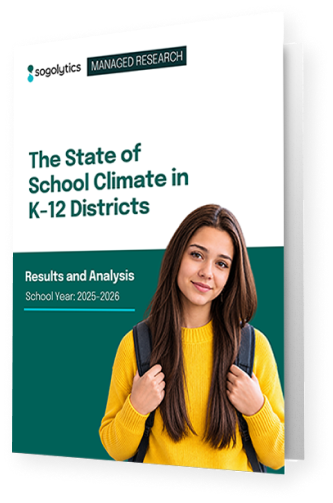
Cover of The State of School Climate in K-12 Districts report

See where the communication loop breaks down, and how to close it.

Get the report

Integrations

Seamlessly connect your district's existing tools and systems to streamline operations and maximize impact.

Native distribution

Slack, Microsoft Teams, email, SMS, mobile.

Roster and student information sync

Slack, Microsoft Teams, email, SMS, mobile.

Automation

The Integration Hub and low-code automation builder route feedback into the tools your district uses.

Sign-in and security

SSO and authenticator-based multi-factor authentication, with Apple, Microsoft, LinkedIn, and Google sign-in.

APIs and webhooks

Connect climate data to district systems.

Security and compliance

Independently audited controls at every layer, and your data stays in whichever region you choose.

SOC 2 Type II ISO 27001 GDPR · CCPA HIPAA-enabled accounts PCI DSS Data residency · US · EU · IN · CA · AU

Frequently Asked Questions

How does Sogolytics help us communicate with our community?

It gathers input from families, staff, students, and community across email, SMS, web, and your district’s already-established communication channels, turns it into shared analysis through dashboards and AI text analysis, and helps leadership close the loop on what changed.

How do we reach families who speak a language other than English?

Invitations and questions go out in each family's home language, and smiley-scale questions help families respond regardless of reading level. Custom Directories keep language and school segments organized, so one program can reach every household.

Can families and staff respond to climate surveys anonymously?

Yes. Anonymity is set at the project level, so responses are not attributable, and reports lock below a minimum response count so no individual is exposed in a small school or grade band.

How do we share results with principals and the board?

Dashboard-level segmentation gives each audience its own view through role-based access. The board sees the aggregate, principals see their own school, and open-ended comments arrive already grouped into themes, so a communications lead can present without a separate analytics team.

How does the platform help us act on input, not just collect it?

Dashboards rank what matters, ticketing tracks follow-up, and close-the-loop messaging lets you tell the community what was heard and what will change, so a survey ends in visible action.

Is the data secure and auditable?

Sogolytics is backed by SOC 2 Type II, ISO 27001, GDPR and CCPA, HIPAA-enabled accounts, and PCI DSS, with role-based access and a full audit log.

How quickly can we launch a communication cycle?

Most districts open their first cycle in a few weeks. Options to utilize expert-created survey templates or create a custom survey with AI can draft the survey from a short prompt to speed the start.
The three needs we hear most

See how your district communicates with its community

Walk through the platform with our K-12 team and leave with a clear read on where to start.

Client

Company Size

Industries

Customer Since

Read more

Typical Rave Review

Description