Every enterprise architecture team knows this loop. A CX or EX team submits an integration request. Architecture reviews it, asks the same questions they asked last time, spends two weeks on the connector, approves it. Three months later, the next request lands for a different app.
Multiply across a stack of 80+ SaaS apps and the math stops working. Architecture is not reviewing integrations. It is reviewing the same risk surface, on repeat, at the speed of individual connector releases.
Custom Integrations closes that gap by moving the unit of approval from individual connectors to the workflow builder that holds them.
The Old Model Was Built for a Simpler Stack
Platform integrations used to be additive. A new app got popular; a vendor built a connector, and the connector landed in the pre-built lineup. Teams who needed it were satisfied; teams who needed something different filed a ticket and waited.
That worked when stacks were small, and workflows were one-hop: survey data into a CRM, full stop. Modern CX and EX workflows are not one-hop. A single NPS detractor flow touches a CRM lookup, an LLM classification, conditional routing based on account value, and a push to the data warehouse. Five steps across four systems. No fixed connector lineup was built to hold that shape.
When the constraint is which apps are in the lineup, multi-step workflows with branches and AI calls have nowhere to go. They get parked in engineering queues, or held together by custom API pipelines someone has to maintain forever.
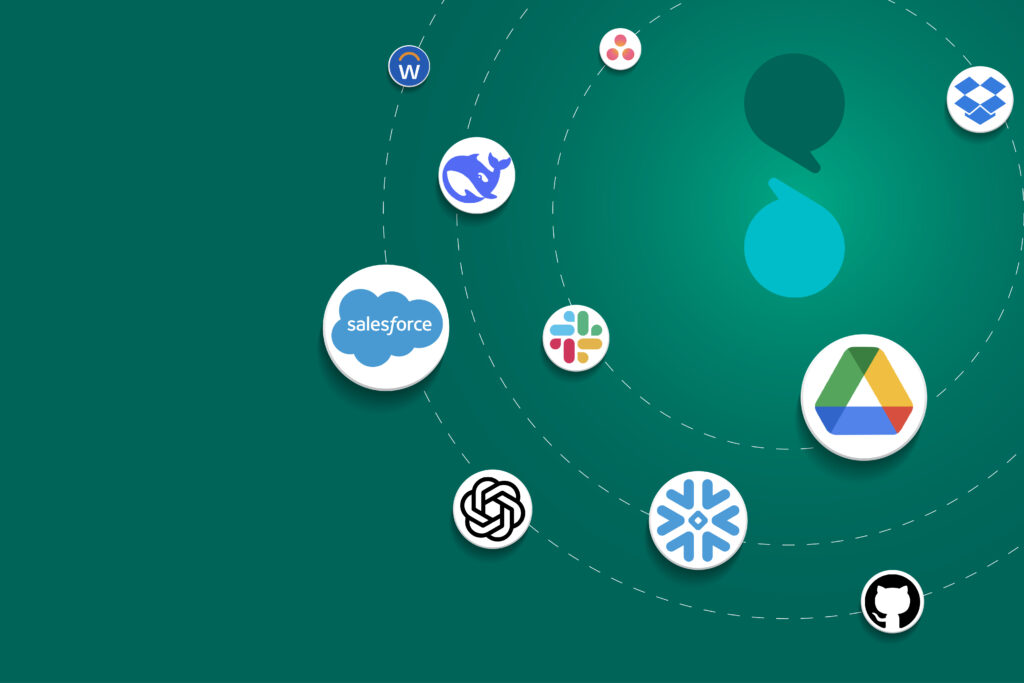
Custom Integrations replace the lineup with a workflow builder that has no preset shape. Triggers, conditional logic, data mapping, LLM calls, connections to thousands of apps, all inside Sogolytics. The unit of work shifts from “which connector do we approve next” to “what workflow does the team need to build.”
The LLM You Already Pay for is Sitting Idle
Most enterprise organizations have already selected and contracted an LLM provider. The AI or IT team ran the evaluation, negotiated terms, and signed the contract. The model is live.
The CX team still cannot use it. There is no in-product way to call that model against feedback data without standing up a separate pipeline, which means an engineering scoping conversation, a queue, a quarter slipping, then another.
In Custom Integrations, LLM providers are connectors in the catalog like any other app. The model your organization has already contracted can be called as a step inside a workflow: classify open-text responses, summarize feedback at scale, translate across regions, all under the terms already negotiated. The capability was always there; the in-product path to use it was not.
From Engineering Dependency to Team Ownership
Workflows that used to require an engineering ticket, a sprint, a deployment, and an ongoing maintenance commitment can now be built by a CX operations lead in an afternoon.
The economics shift with ownership. Custom API pipelines carry a maintenance tax: every upstream API change, every field mapping break, every downstream schema update needs a fix. That cost accumulates quietly into a meaningful slice of engineering capacity.
When the pipeline lives inside Sogolytics, ownership moves to the team closest to the problem. The CX ops lead who built the workflow can update it. The integration team that reviewed the capability once does not need to re-review each change.
What This Looks Like in Practice
These workflows are not theoretical. They are the ones CX and EX teams have been trying to ship for years.
For CX operations:
- An NPS detractor flow that classifies the open-text reason with a contracted LLM, enriches it with CRM account data, and pages the CSM when the account exceeds a revenue threshold.
- A post-interaction CSAT flow that routes low scores to the ticketing system, triggers an email follow-up, and logs the interaction in the data warehouse without a manual handoff.
- A scheduled poll that pulls new responses on a cadence, applies segment-based logic, and pushes results to different BI dashboards for different teams.
For EX and people analytics:
- An engagement survey flow that syncs responses into the HRIS by department, runs LLM summarization across open-text comments, and routes flagged themes to the relevant HR business partner.
- A pulse-check flow that triggers in real time, alerts managers when responses fall below a threshold, and writes anonymized trend data to the analytics warehouse for longitudinal tracking.
Each of these involves multiple steps, multiple systems, and decision logic that no fixed connector lineup can express.
The Architecture Conversation Changes
For enterprise architects, the most significant change is what they end up reviewing.
Under the old model, every review centered on a specific connector. Does the app have adequate security controls? What data does it access? How is authentication handled? Who can configure it? Legitimate questions answered one integration at a time, forever.
Under a workflow-builder model, the review happens once. Architecture reviews the capability, the sub-processor disclosure, the permission model, and the audit trail. Workflows built inside that capability inherit the approval. New use cases do not restart the review. They operate inside a perimeter that has already been defined.
For organizations under integration-consolidation pressure, that is the point. One approved framework replaces an indefinite series of connector reviews in a stack that is already too dense.
Start with the Workflow
Enterprise integration conversations have long started with the wrong question: which apps are in the lineup. That works for one-hop integrations. It does not survive in contact with modern CX and EX work.
The right starting point is the workflow. What does the team need to build? How many steps does it take? Which systems does it touch? Does it need to call an LLM? Does it need to make a decision based on the result? The connector list exists to serve the workflow, not the other way around.
Custom Integrations starts from the workflow: a builder that takes the shape the team needs, with connections to thousands of apps including LLM providers, bundled into the Enterprise plan without a separate procurement line.
FAQs
What plan is required to access Custom Integrations?
Custom Integrations is included with the Sogolytics Enterprise plan. Lower-tier accounts see a catalog preview with an upgrade path to request a demo. LLM provider calls are billed by the LLM provider and do not count against Sogolytics.
Can we use our existing LLM provider?
Yes. LLM providers are connectors in the catalog. If your AI or IT team has already contracted a model, it can be called as a step inside any workflow (open-text classification, response summarization, multi-region translation) under the terms your organization has already approved. No parallel pipeline.
How is this different from connecting Sogolytics to Zapier or a similar tool?
Custom Integrations runs inside Sogolytics rather than as an external middleware layer. Workflows live in the same enterprise account, sit inside the same audit trail, and do not require additional procurement or another vendor. Zapier-style tools handle one-off, lower-stakes automation. For enterprise CX and EX workflows that touch regulated data, contracted LLMs, and multi-system logic, an in-product builder removes the integration ceiling.